
Koordlose toegang
Studente en personeel
Die Universiteit Stellenbosch bied kampus-WiFi hoofsaaklik deur die Eduroam-netwerk, wat die versteknetwerk vir studente en personeel is, en vereis dat toestelle via die RegisterMe!-portaal geregistreer word. Eduroam is die beveiligde toegangsdiens vir wêreldwye swerwing wat vir die internasionale navorsings- en onderwysgemeenskap ontwikkel is. Besoekers kan hul aantekenbesonderhede van hul tuisinstansie op Eduroam gebruik.
BesoekersBesoekers mag internettoegang vanaf hul eie toerusting met koordlose toegang verkry.
Internet via die Eduroam wêreldwye koordlose netwerkdienste vir die internasionale navorser en onderwysgemeenskap, is toeganklik vir besoekende studente, navorsers en personeel van deelnemende instansies.
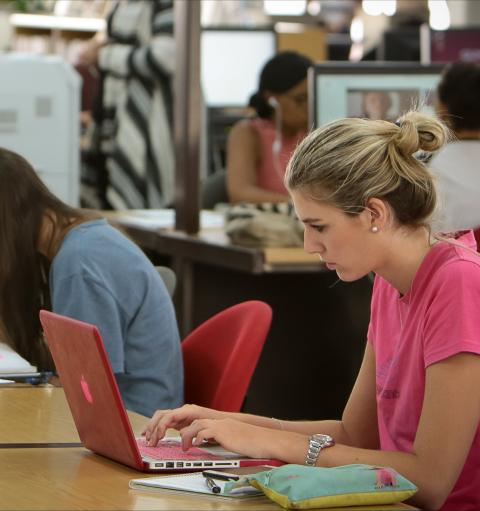
Hoe om via die koordlose netwerk vanaf jou skootrekenaar te druk
Jy sal op kampus vanaf jou skootrekenaar via die Eduroam-koordlose netwerk na enige van die Secure Pull Print-drukkers in die biblioteke kan druk deur jou studente-/personeelkaart te gebruik. Om vanaf jou skootrekenaar te druk, koppel aan die Eduroam Wi-Fi, maak seker dat jy drukkrediete het en stuur dokumente na die STB_PRINT_Q01 tou. Verwys na die Gidse vir Safecom-drukkerinstellings.
Koordlose netwerk-verbindingsproblemeDie aanvanklike verbinding neem ’n paar minute; wag asseblief en probeer weer. As jy steeds probleme ondervind om aan die kampus se koordlose netwerk te koppel, raadpleeg die selfhelpgids vir WiFi-verbinding.
Benodig hulp?
Besoek die IT HUB-inloopsentrum – Maandag tot Vrydag van 08:00 tot 16:30 (openbare vakansiedae uitgesluit) of registreer ’n diensversoek op servicedesk.sun.ac.za.