
Wireless access
Students and staff
Stellenbosch University offers campus Wi-Fi primarily through the Eduroam network (a world-wide roaming access service developed for the international research and education community), which is the default for students and staff, requiring device registration via the RegisterMe! portal.
Visitors
Visitors may have internet access from their own devices with wireless access.
Internet via the Eduroam world-wide Wi-Fi roaming access service for the international research and education community, are accessible for visiting students, researchers and staff from participating institutions.
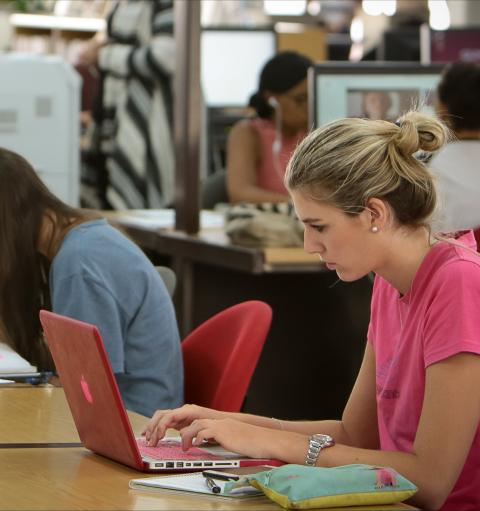
How to print via the wifi from your laptop
When On-campus, you will be able to print via the Eduroam wireless network from your laptop to any of the Secure Pull Print printers in the libraries by using your student/staff card. To print from your laptop, connect to the Eduroam Wi-Fi, ensure you have printing credits, and send documents to the STB_PRINT_Q01 queue. Refer to the Printing setup guides for safecom.
Wi-Fi connectivity issuesThe initial connection takes a few minutes; please wait and try again. If you continue to have problems connecting to campus wireless access points, refer to the Wi-Fi selfhelp connectivity guide.
Need assistance?
Visit the IT HUB walk in centre - Monday to Friday from 08:00 to 16:30 (excluding public holidays) or log a service request on servicedesk.sun.ac.za