Last updated July 17, 2025
- Access
- Overview
This tutorial provides a step-by-step guide on how to log in to the website.
How to log in
To log in, scroll down to the bottom of any page and on the bottom right of the footer, you should see a link that says "Log in", click on it to be redirected to the login page.

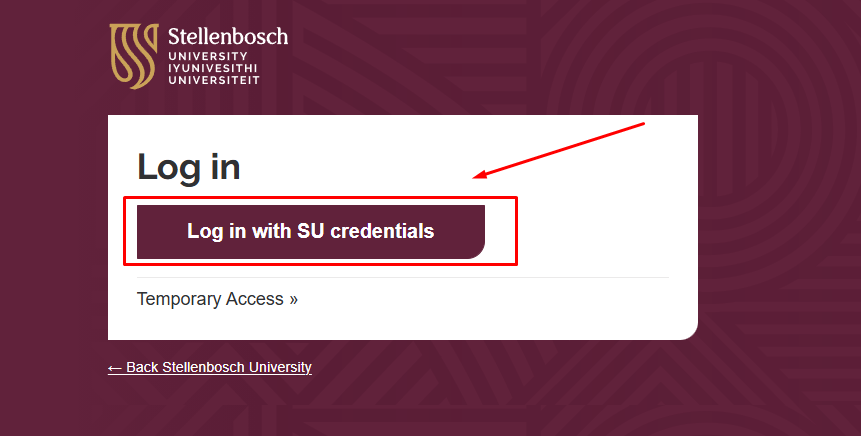
Alternatively, navigate to the login page by adding "/user/login" at the end of the domain, i.e: https://su.ac.za/en/user/login. Click on the button "Log in with SU credentials".
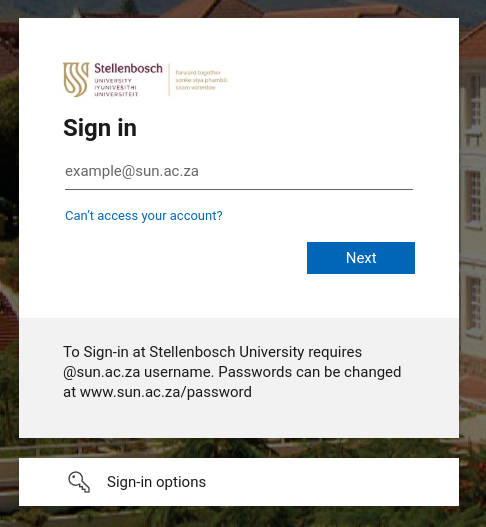
After clicking this button, you will redirected to the "Azure AD login page". Once on the "Azure AD log in page" follow the prompts to log in with your SU username and password.