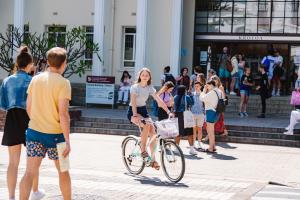
"Welcome. Welkom. Wamkelekile"

Welcome to Stellenbosch University!
We are delighted to welcome you to Stellenbosch University (SU)! The Centre for Global Engagement, part of SU International, is excited to host you and support you as you embark on this new journey.
Our goal is to help you settle into student life, make the most of your time here, and enjoy a truly transformative experience—both academically and personally. We wish you every success in your studies and hope you feel at home in our vibrant campus community.
To help you settle in smoothly at SU, SU International has designed an interactive Welcome and Orientation Programme for when you arrive on campus. Below, you will find this year's Welcoming & Orientation Programme, as well as a Welcome Booklet that contains everything that you need to know about the university, student life, as well as the town of Stellenbosch.
Important Things to Remember:
- All students must arrive in Stellenbosch on time for the welcome and orientation programme that starts on 14 July 2026 (alternative arrangements will be made for late arrivals).
- Take note that classes start on 20 July 2026.

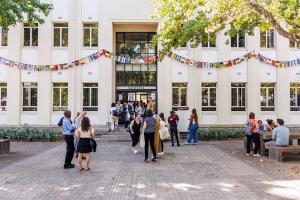
Technical Requirements for the IT Orientation Session
All in-person sessions will be simultaneously streamed via the Microsoft Teams platform. Participants are therefore requested to take note of the following technical requirements.
Installing Microsoft Teams:
We strongly recommend that you install Microsoft Teams on your device beforehand.
Go to this link and click on Download Teams.
Follow the prompts to install the app on your computer. When prompted, enter your Stellenbosch University email address and password. It is not a problem if you don’t have a Stellenbosch University username or account, just follow these instructions.
Session Requirements:
- ‘Arrive’ 5 - 10 minutes before the start of the session.
- Make sure that your speakers are not muted.
- When entering the session mute your mic and turn off your video using the buttons at the bottom of your screen.